How to Tell If a Bank Statement Converter Got It Right
Eight checks for the output of any bank statement extraction or analysis software: the balances, the running balance, pages, duplicates, signs, dates and scans.
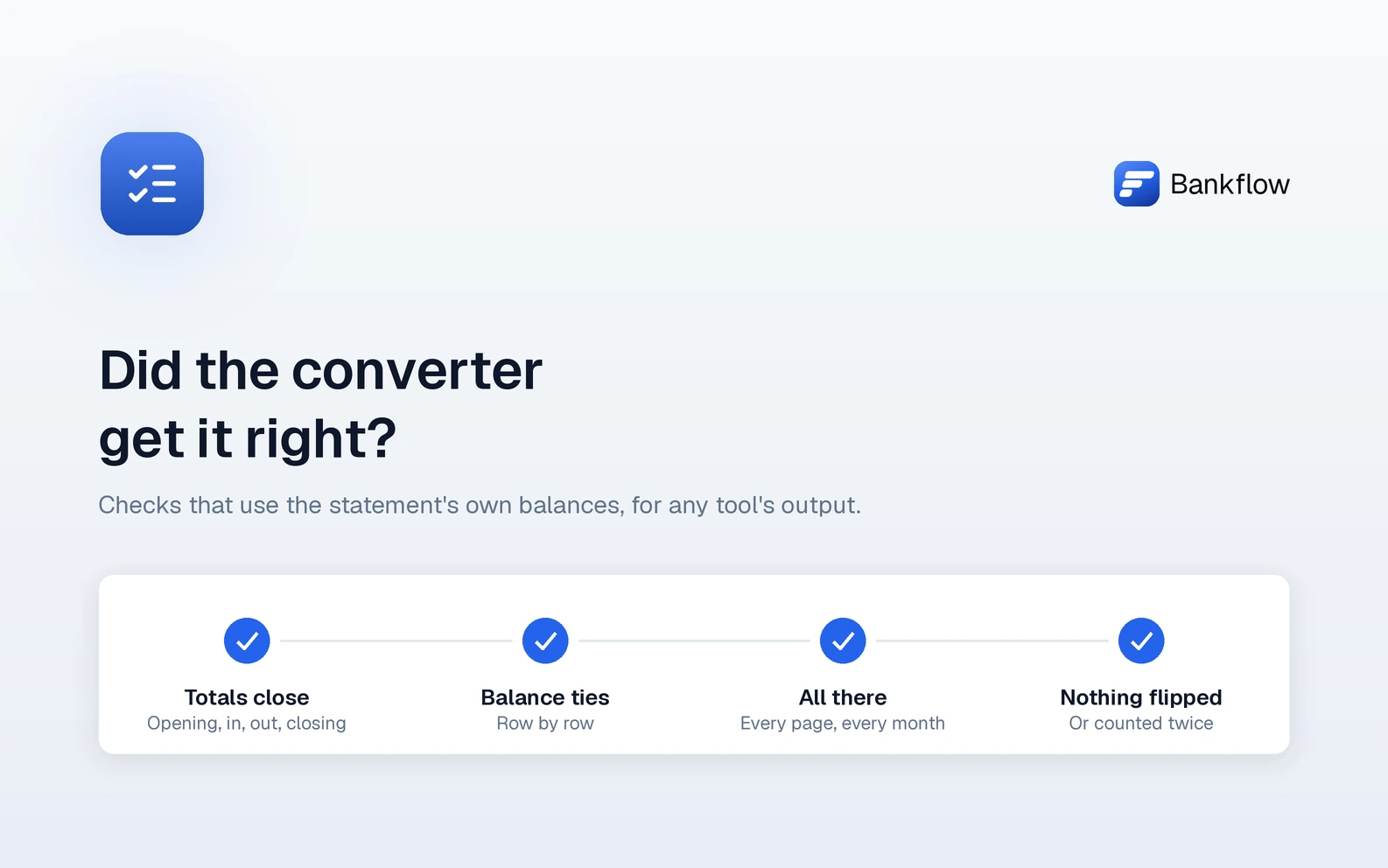
The Short Version
Every bank statement converter, whether it's sold as extraction software, an analyzer or a capture tool, gives you rows that look right. Whether they are right is something the statement itself can tell you, because it prints its own proof: an opening balance, a closing balance, and on most bank statements a balance after every row. The eight checks below use those figures to catch what converters get wrong: a row missed, a row read twice, money in read as money out, a misread figure, a skipped page, a date in the wrong year.
They work on any tool's output, in a spreadsheet, and they don't need the tool's own word that it worked.
The Checks at a Glance
| Check | What it catches |
|---|---|
| 1. The totals close | That something is wrong: a missing, doubled or misread row |
| 2. The running balance ties row by row | Which row is wrong, and usually how |
| 3. Every page and every month | A skipped page, a sample page read as real, a missing statement |
| 4. Nothing counted twice | A statement imported twice, or lines the PDF prints twice |
| 5. Money in or money out | A flipped sign, on the statement or in the export |
| 6. Dates across a year end | January rows given last year's date, day and month swapped |
| 7. Card statements against their summary | The same errors, where no running balance is printed |
| 8. Scanned PDFs, more closely | Plausible-looking misreads of an image |
Check 1: The Totals Close
Opening balance, plus everything in, minus everything out, should equal the closing balance printed on the statement, to the cent. Take the opening and closing balances from the statement itself, not from the converter: a tool that works out the closing balance from its own rows will always agree with itself, which proves nothing.
| Line | Amount |
|---|---|
| Opening balance, printed | 4,210.55 |
| Plus money in, from the rows | + 9,342.10 |
| Less money out, from the rows | − 8,117.32 |
| Rows add up to | 5,435.33 |
| Closing balance, printed | 4,810.53 |
| Difference | 624.80 |
The size of the difference is the first clue:
- Equal to one row's amount: that row is missing, or counted twice.
- Twice one row's amount: that row's direction is flipped, money out read as money in or the other way round.
- Divisible by 9: often two digits swapped, like 1,254.00 read as 1,524.00, a difference of 270.00.
Here, 624.80 is twice 312.40, and there's a 312.40 utility payment on the statement. That's the suspect. Check 2 confirms it.
Many bank statements also print their own totals of deposits and withdrawals. When they do, compare the converter's money in and money out with each of them separately: two errors can cancel out in the closing balance, and they're much less likely to cancel out in both totals as well.
Check 2: The Running Balance Ties Row by Row
Most bank statements print a balance after every row. For each row, the balance printed on the row before, plus this row's amount, should equal the balance printed on this row. Where it doesn't, that's where the error is:
| Date | Description | Amount read | Balance printed | Previous + amount | Off by |
|---|---|---|---|---|---|
| Jan 28 | Customer deposit | +1,850.00 | 6,060.55 | 6,060.55 | |
| Jan 30 | Rent | −2,400.00 | 3,660.55 | 3,660.55 | |
| Feb 2 | City Utilities | +312.40 | 3,348.15 | 3,972.95 | 624.80 |
| Feb 3 | Card payment | −500.00 | 2,848.15 | 2,848.15 |
The balance fell on Feb 2, so the 312.40 was money out. The converter read it as money in. What the break looks like tells you the kind of error:
| What you see | What it usually means |
|---|---|
| Off by an amount, and the rows after it tie again | A row is missing just above. The printed balance includes a transaction the converter didn't read, and the amount it's off by is that transaction. |
| A row whose printed balance repeats the row above, off by its own amount | The same line was read twice. |
| Off by twice the row's amount | The row's direction is flipped. |
| Off by a figure divisible by 9 | Two digits swapped in the amount. |
| Two breaks in a row, equal and opposite | The amount is fine; the balance printed on the first row was misread. |
| Breaks on nearly every row | The balance column itself was misread, or the rows are in a different order from the statement's. |
Follow the chain in the order the statement prints its rows, not sorted by date: banks don't always print same-day rows, or a late-posted one, in date order, and re-sorting breaks a chain that was fine. Some statements print the balance only once a day, on the day's last row; then check day by day, with the day's rows together taking one printed balance to the next. And the chain has to start at the opening balance the statement prints and end at the closing balance it prints. A chain that ties in the middle but not at the ends has something wrong at that end, often a row missing.
Check 3: Every Page and Every Month
- Pages. Compare the PDF's page count with the pages the converter's rows came from. A page with transactions and no rows from it was skipped.
- Sample pages. Some statements include a "how to read your statement" panel with made-up transactions laid out like real ones. A converter can read them perfectly, and the totals check will then be off by their net amount.
- The period. The first and last rows should fall inside the statement period printed on the first page.
- The months. Across a set, there should be one statement for every month of every account, and each statement's opening balance should match the previous statement's closing balance. A balance that doesn't carry over means a statement is missing in between, or one belongs to another account. Does your bank statement add up? covers this one in detail.
Check 4: Nothing Counted Twice
Duplicates come in two kinds.
A whole statement twice. The same PDF arrives by email and again in the client's folder, or a monthly statement and a custom-range download cover the same days. Two statements with overlapping periods and the same rows double that month's spending. Check the periods across the set, not only the file names.
Lines the PDF prints twice. Some PDFs print a block of lines twice, so a faithful reading of the page contains what looks like a duplicate, and the right answer is to count it once. The running balance tells the two cases apart. A block printed twice repeats its balances too, so the chain breaks where the copy starts. On a statement that prints a balance on every row, two real transactions of the same amount on the same day, like two identical card charges, each move the balance, so they carry different balances and both tie.
Be slower with a pair that nets to zero, such as a payment and its return. Two of those printed twice can be the same pair repeated, or two real pairs. Look at the balances before deleting either.
Check 5: Money In or Money Out
Statements show direction in different ways: separate columns for withdrawals and deposits, one column with minus signs, a trailing minus like 125.00-, or CR and DR beside the amount. A converter that gets the layout wrong gets every row's direction wrong at once, and one that misses a single CR flips one row.
- Pick a few rows you know, such as a customer payment in and the rent out, and check their direction in the output.
- Compare money in and money out with the statement's printed totals, as in Check 1.
- Then check the export. Accounting software reads direction differently for a bank account and a credit card: on a card, a purchase adds to what's owed and a payment reduces it. After importing, a known card purchase should show as a charge, not as a deposit.
Check 6: Dates Across a Year End
Most statements print dates as 12/29 or Dec 29, with no year, and the converter has to supply it from the statement period. A statement running from December 15, 2025 to January 14, 2026 is where that goes wrong: its January rows given 2025 land eleven months early, outside every period you'll report on.
- Sort the output by date and look at both ends. Every row should fall inside the printed period, or within a day or two of it.
- Check a row whose day is above 12. Date order varies, and in Canada both day-first and month-first are in use, so 03/04 can be March 4 or April 3. A day of 13 or more shows which way round the converter read it.
The running balance can't catch either problem: a wrong date doesn't change any amount.
Check 7: Card Statements Against Their Summary
Credit card statements, and some bank statements, print no running balance, so there's no chain to follow. They print a summary instead:
| Summary line | Printed |
|---|---|
| Previous balance | 2,318.40 |
| Payments and credits | − 2,350.00 |
| Purchases | + 3,104.77 |
| Fees and interest | + 0.00 |
| New balance | 3,073.17 |
Three things should hold, to the cent: the converter's payments and credits add up to the payments total printed, its purchases (and any fees or interest it read as rows) add up to theirs, and together they take the previous balance to the new one. A missed purchase, an extra one, a misread amount or a payment read as a purchase leaves a total short.
Totals prove the rows as a group, not one by one, so when they don't tie there's no running balance to point at the row. Sort by amount and compare against the statement, starting with the amount of the difference itself.
Check 8: Scanned PDFs, More Closely
Try to select or search the text in the PDF. If you can't, it's an image: a scan, or a photo of a paper statement. The converter had to read it with OCR, and OCR misreads look plausible: 8 for 3, 1 for 7, a lost decimal point, a minus sign or a CR dropped.
On a scanned statement, run Checks 1 and 2 in full rather than sampling a few rows, and compare every row the chain flags against the image. Low-resolution scans and phone photos need it most.
What a Clean Result Proves, and What It Doesn't
When the totals close and the running balance ties from the printed opening balance to the printed closing one, each row's amount and direction agree with the statement. That's strong evidence the money columns were read right.
It doesn't prove the dates or descriptions, because neither enters the arithmetic. It says nothing about whether each row was put in the right category. A statement that agrees with itself isn't proof the statement is genuine. And it doesn't reconcile the books to the bank, which is the next step: see how to do a bank reconciliation. The checks tell you where to look; a person still decides.
How Bankflow Runs These Checks
Bankflow's bank statement analyzer runs checks like these on every statement as it's imported and shows the result at the top of the statement: Balances close, Follows the previous statement, Rows trace to the page, and Nothing missing or doubled, summed up as Checks out, Worth a look or Doesn't add up. A check that can't run, like the first statement from an account having nothing before it, is left out rather than counted against it.

As of release 1.17, the running balance decides which rows are ready to use:
- Rows that tie are approved. A row is approved on import when the balance before it, plus its amount, equals the balance printed beside it, to the cent, and the chain runs from the opening balance the statement prints to the closing balance it prints. The chain is followed in the order the statement prints its rows.
- Rows where it breaks wait for you, each with the amount it's off by.
- Rows the PDF contradicts wait too, even when the balance ties. Where the PDF has text, Bankflow finds each row's own line, and holds a row when its line prints a different running balance, when its amount is on no line of the page, or when the balances around it tie only with its direction reversed.
- Dates and descriptions are shown as read. The balance proves each row's amount and direction, not its date or description, so a statement that crosses a year end is still worth Check 6.
A card statement with no running balance is approved only when every transaction is on a line of its own, every figure in the summary is printed on the statement, and the rows come to the printed totals; otherwise every row waits. A statement whose PDF prints lines twice is approved only when the whole chain ties with each row's balance the one printed on its own line, and the repeated lines don't net to zero. On a scanned statement, the rows of both kinds always wait for you.
Click any row and the PDF moves to the line it was read from, so checking a held row against the page is one click. The Statements page also marks a statement Gap when more than two weeks are missing since the previous one, Mismatch when its opening balance doesn't meet the previous close, and Duplicate when it repeats one already imported. The full reference is in reviewing a statement, and what changed in 1.17 is in the changelog.
Whatever tool you use, the eight checks above are worth knowing: they're how you find out for yourself.
Continue reading

10 Best Bank Statement Analysis Tools in 2026
Ten bank statement analysis tools scored on workflow, accounting formats, automation, and published pricing, with what each one's free tier really gives you.

7 Best Receipt and Invoice Capture Tools for Bookkeepers (2026)
Dext, AutoEntry, Hubdoc, Datamolino, DocuClipper, QuickBooks and Bankflow compared on price per page, bank statements and what ten clients cost.

How to Start a Bookkeeping Business in 2026: The First 90 Days
No license is needed for bookkeeping, but some titles are restricted. Certifications, insurance, pricing, tools and a 90-day plan, following one new practice.
Turn your next statement into usable data.
Review the extracted transactions before export. No bank connection or credit card required.
Analyze a statement free